Why Isn't My Website Showing on Google?

If you’ve just spent time and money getting a website built and you can’t find it anywhere on Google, the frustration is completely understandable. It can feel like something has gone badly wrong, like you’ve been sold something that doesn’t work. A website not showing on Google is one of the most common problems we hear about from small business owners in the UK, and in most cases the explanation is simpler than it seems. There are a small number of well-understood reasons why a website doesn’t appear in search results, and the majority of them are fixable once you know what you’re looking for.
This article goes through each one. By the end of it, you should have a much clearer sense of what’s actually going on with your site and what to do about it.
First: Check That Google Can Actually Find Your Site
Before anything else, it’s worth doing one quick check that will tell you a lot about your situation.
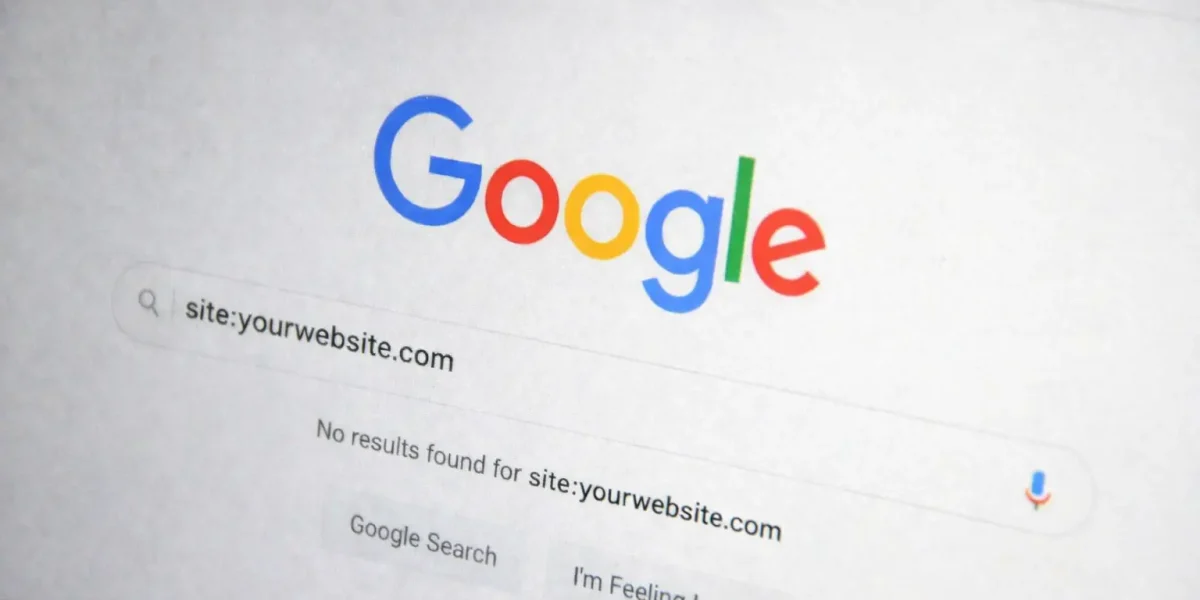
Open Google and type the following into the search bar: site:yourdomain.com (using your actual domain). If results appear, Google knows your site exists and has indexed at least some of it. If nothing comes back at all, either Google hasn’t found the site yet or something is preventing it from doing so.
That distinction matters, because the reasons behind each outcome are different. Everything in this article branches from that simple check. Start there.
Reason 1: Your Website Is Too New
This is the most common explanation, and the one most business owners haven’t been told about.
Google doesn’t index websites the moment they go live. It uses automated crawlers that work their way across the internet continuously, but a brand new site with no history and no other websites linking to it can take anywhere from a few days to several weeks to appear in results for the first time. That’s not a fault. It’s simply how the system works.
A few things can help speed the process along:
- Set up Google Search Console (it’s free) and submit your site. There’s an option to request indexing directly, which puts your site in the queue rather than waiting for Google to find it on its own.
- Make sure your site has a sitemap: a file that lists all your pages in a format Google can read easily. Most website platforms generate one automatically, but it’s worth confirming yours is in place.
- Get at least one other credible website to link to yours. A mention from a local business directory, a supplier’s website, or a professional association gives Google a path to find you.
If your site has been live for less than eight weeks and the site: check returns nothing, this is almost certainly the reason. The steps above are the right response.
Reason 2: The Site Is Accidentally Blocking Google
This one is more common than it should be, and it’s the most straightforward to fix.
WordPress has a setting that allows developers to tell search engines to stay away from a site while it’s being built. It’s a useful tool during development. The problem is that it’s sometimes left switched on after the site goes live, which means Google is being politely asked not to index it.
To check this, go to Settings, then Reading, and look for an option that says “Discourage search engines from indexing this site.” If that box is ticked, unticking it and saving the change is all it takes. Then go back to Google Search Console and request indexing again.
There’s also something called a noindex tag: a line of code in the page itself that has the same effect. It’s sometimes added intentionally during a build and forgotten afterwards. Checking for this is slightly more involved; it requires looking at the page source code or using a browser extension designed for SEO. If the WordPress setting looks fine but the site still isn’t appearing, this is worth asking a developer to check.
Reason 3: The Site Has No Authority Yet
This is the honest conversation that a lot of website owners need to have, and it’s better to have it early.
A website can be perfectly indexed, visible to Google with no technical problems at all, and still not appear when anyone searches for it. The reason is that Google doesn’t just check whether a site exists. It ranks results based on relevance and authority, and authority takes time to build.
In simplified terms, authority comes from other websites linking to yours, from content that answers real questions people are searching for, and from a track record of being a credible, consistent presence online. A brand new website has none of that yet. It doesn’t matter how well designed it is or how good the service behind it is. Google doesn’t know that yet.
This isn’t a technical problem. It’s a growth problem, and the solution is time, consistent effort, and a considered approach to building your visibility. A proper SEO strategy shortens the time it takes to earn that authority and makes sure the effort is pointed in the right direction. If your site isn’t appearing in search results and it’s been live for a few months, this is quite often where the work needs to happen.
Reason 4: The Site Isn’t Optimised for the Right Search Terms
Some websites have been live for years, are indexed without any technical issues, and still don’t appear when their customers search for them. The reason, more often than not, is a mismatch between the language on the website and the language real customers actually use.
A builder whose website talks about “residential construction services” may never appear when someone searches “builder in Leeds.” A solicitor whose homepage describes “legal advisory solutions” may be invisible to someone searching “family lawyer Manchester.” The words on the page and the words in the search bar need to line up.
This is the core of keyword alignment, and it doesn’t require deep technical knowledge to begin thinking about it. Consider what your customers actually type into Google when they need what you offer. Be specific. Then look at your website and ask honestly whether those words appear anywhere on it. If they don’t, or if the language on the site feels formal or generic compared to how a real person would phrase a search, that’s a meaningful part of the problem.
Reason 5: Technical SEO Issues Are Holding the Site Back
There are some less obvious technical reasons a site might not rank, even when everything else appears to be in order. These are worth knowing about, even if you’re not in a position to fix them yourself.
Page speed is one. Google actively deprioritises slow-loading websites, particularly on mobile, where most searches now happen. A site that takes more than a few seconds to load is already at a disadvantage.
A missing or broken sitemap means Google may be missing pages entirely, or struggling to understand the structure of the site.
Duplicate content, where the same content appears under multiple web addresses, can confuse Google and dilute any authority the site has built.
A poor mobile experience affects ranking directly. If the site is difficult to use on a phone, that signals to Google that it’s not a great result to serve.
Security matters too. A site still running on HTTP rather than HTTPS is flagged as insecure, which affects both user trust and how Google treats the site.
You don’t need to fully understand each of these to recognise that they exist and that they affect visibility. A proper SEO audit will identify which of these are relevant to your site and give you a clear picture of what needs attention.
What You Can Do Right Now
If you’ve read this far and you’re still not sure what’s causing the problem, start here. These are the checks you can run yourself today, before anything else.
- Run the site:yourdomain.com check in Google and note what you find.
- Check the WordPress “discourage search engines” setting under Settings, then Reading, and make sure it’s unticked.
- Set up Google Search Console if you haven’t already. It’s free, and it’s the most useful tool available for understanding how Google sees your site.
- Submit your sitemap through Search Console and request indexing for your key pages.
- Check the site on a mobile phone. Does it load properly? Is it easy to navigate? If not, that’s worth addressing.
- Look at your homepage. Does it clearly state what you do, where you do it, and who you do it for, in plain, direct language? If it reads vaguely or formally, that’s worth rethinking.
These steps won’t fix every problem, but they’ll give you a much clearer picture of where the issue actually lies.
When to Get Professional Help
DIY checks will take you a certain distance. There’s a point, though, where the diagnosis gets more complex and the fixes require specialist knowledge, the right tools, and consistent ongoing effort.
It’s worth getting professional help if:
- The site: check returns nothing after twelve weeks, and you’ve confirmed the WordPress setting is fine
- Google Search Console is showing crawl errors or coverage problems
- The site has been live for six months or more with no meaningful organic traffic at all
- You’re in a competitive local market and need to rank against businesses that have been building their online presence for years
None of this represents a failure on your part. SEO done properly is a discipline in its own right. It requires understanding how Google works, the right tools to identify what’s holding a site back, and sustained effort over time. It’s not something most business owners should be expected to manage alongside running their actual business.
Our Growth and Visibility service starts with a clear audit of what’s actually going on with your site: honest findings, a straightforward plan, and no technical jargon you have to decode afterwards.
Not Sure What’s Holding Your Site Back?
Diagnosing these issues from the outside isn’t always straightforward, particularly if you’re not sure where to look or what you’re seeing means.
If you’d like a second pair of eyes on it, a free consultation is the right first step. We’ll take a proper look at your site, explain clearly what we find, and give you an honest view of what it would take to address it. If it’s something you can fix yourself, we’ll tell you that too. No pressure, no jargon.